
Image to GIF Converter –
Turn Photos Into Animated GIFs
Upload one or more JPG, PNG, or WEBP photos to convert image to GIF online with full control over 8–24 fps frame rate, 2–6s duration, loop, and 480/720px width. Free, no signup, no watermark, auto-capped under 5MB—with optional AI motion.
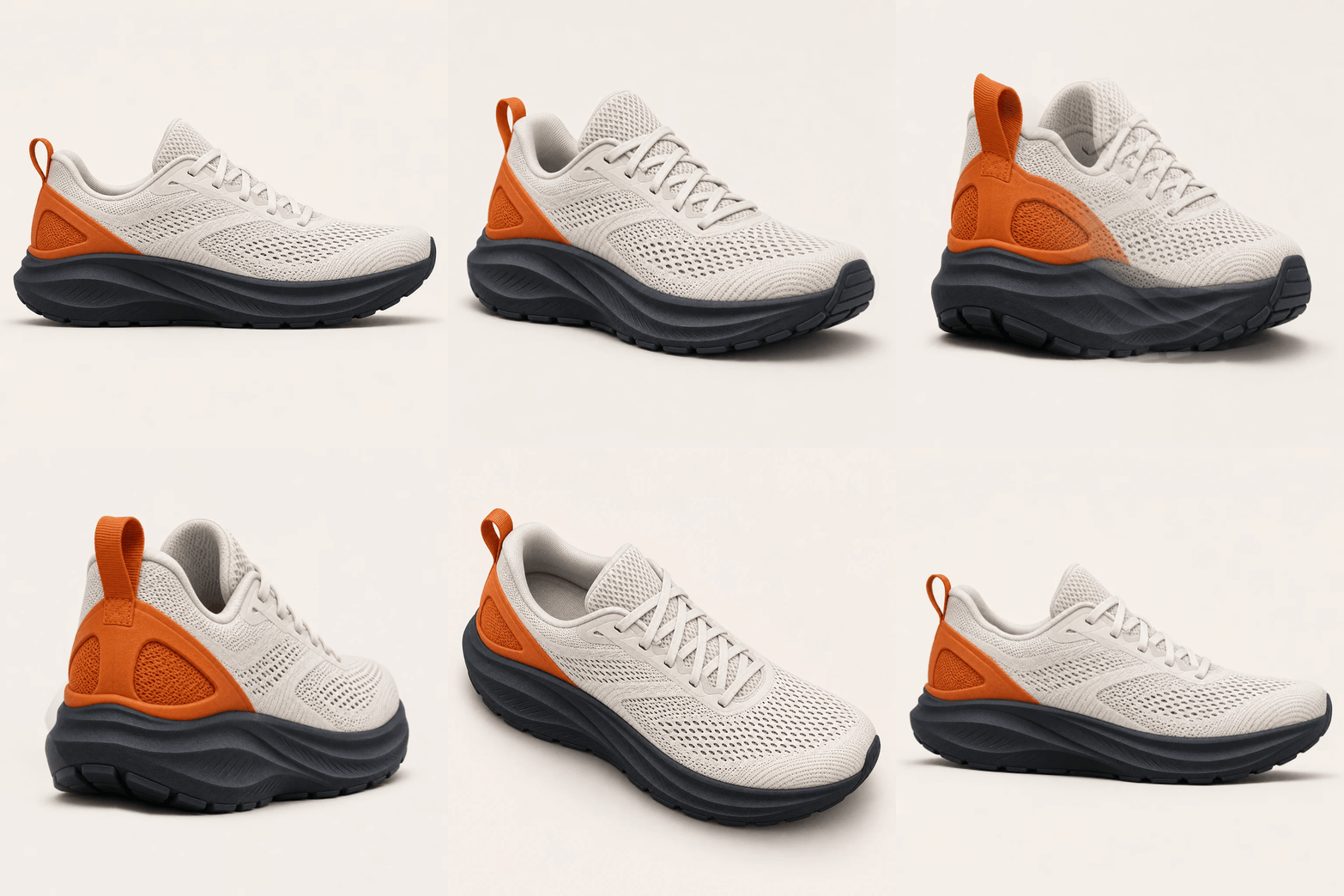
Upload a photo or load a demo to encode a GIF
Free · No Signup · No Watermark
Convert single or multi-frame photos to GIF directly in your browser.
8 / 12 / 24 fps & Loop Control
Dial exact frame rate, 2–6s duration, 480/720px width, and loop mode.
Automatic 5MB Size Cap
Palette quantization + auto step-down keeps every GIF share-ready.
Optional 3-Mode AI Motion
Toggle AI on for Subtle Breath, Hair & Fabric, or Light Flow loops.
How This Image to GIF Converter Works in 3 Steps
Browser-native conversion with optional cloud AI motion
Upload One or More Photos
Drop a single photo or up to 16 sequential images (up to 15MB each) into the image to gif converter. Reorder frames in one click before encoding.
Set Frame Rate, Loop & Motion
Choose 8, 12, or 24 fps, 2–6s loop duration, infinite or single-pass repeat, and 480px or 720px output. Keep AI Motion off for instant free conversion, or toggle it on for synthesized movement.
Preview & Download Clean GIF
Inspect the live loop and exact file size on the right stage. Every export stays under 5MB with no watermark so you can post directly to messaging apps and social feeds.
What Is Image to GIF Online Conversion?
Silent, instant-play animation engineered for browsers, messaging apps, and product pages.
An image to gif online workflow encodes static JPG, PNG, or WEBP files into a single looping animation that auto-plays silently across Chrome, Safari, Slack, Discord, WeChat, email, and store galleries.
Legacy GIF editors assume you already filmed a clip or exported dozens of frames. A controllable image to gif converter lets you sequence photos, dial frame rate and duration, and enforce a 5MB cap in one pass. AI motion adds a third option: synthesizing new motion frames from a single still photo without switching tools.
Output Parameters Explained: High-Quality Settings Under 5MB
Most free converters hide encoding controls behind a single button—producing choppy slideshows or 18MB files that chat apps reject. Use these five parameters to produce an image to gif high quality export that stays fast to load.
| Parameter | Available Options | Recommended | Impact on Quality & File Size |
|---|---|---|---|
| Frame Rate | 8 / 12 / 24 fps | 12 fps | 8 fps is compact for slideshows; 12 fps balances fluid motion and size; 24 fps looks silky for UI clips but roughly doubles byte count. |
| Duration | 2–6 s | 3 s | 2–4s loops feel snappy on product cards and avatars; for 5–6s sequences, pair with 8–12 fps to preserve sharp color palettes. |
| Loop Control | Loop / Once | Loop (0) | Writes the standard infinite-repeat header so Chrome, Safari, and messaging apps loop continuously; pick Once for one-shot reveal banners. |
| Output Width | 480px / 720px | 480px (720px HD) | 480px loads instantly in chat apps and mobile feeds; 720px preserves crisp text and fabric texture for desktop showcases and store pages. |
| File Size Cap | Auto ≤ 5MB | ≤ 5MB | When a high-fps 720px pass exceeds 5MB, the encoder automatically steps down palette colors, FPS, and width until the GIF fits safely under 5MB. |
Three AI Motion Presets When One Photo Needs Real Movement
Switch to AI Motion GIF inside the workspace whenever you want an image to gif ai animation from a single still photo. Each preset constrains motion amplitude so faces, logos, and framing stay locked.
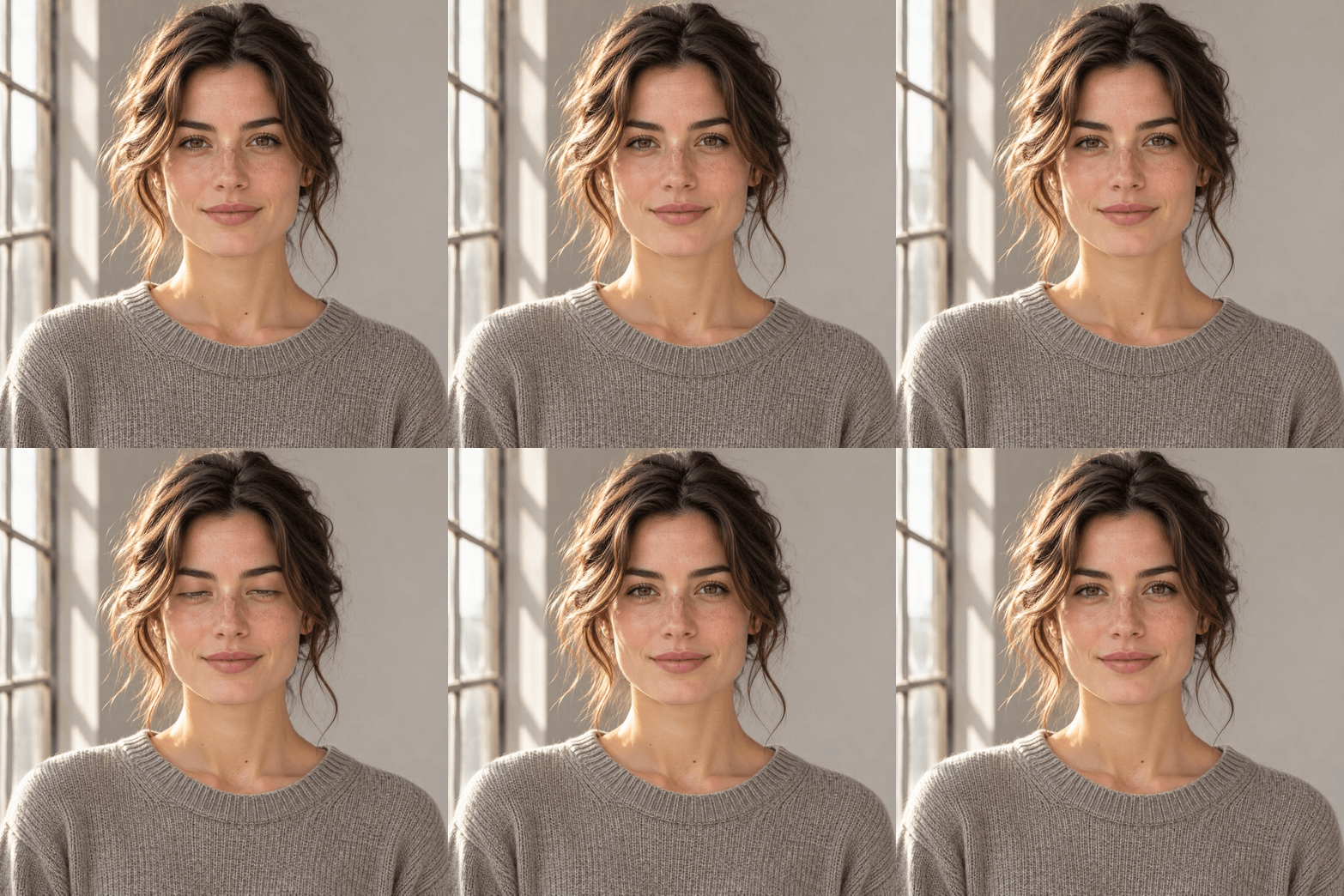
Subtle Breath
Tuned for portraits, creator avatars, and character art. Introduces gentle breathing, soft blinking, and natural micro-expressions while keeping facial landmarks and background lines steady.

Hair & Fabric Flow
Built for fashion lookbooks, outdoor portraits, scarves, curtains, and foliage. Drives a soft directional breeze through loose hair and textiles while keeping camera framing locked.
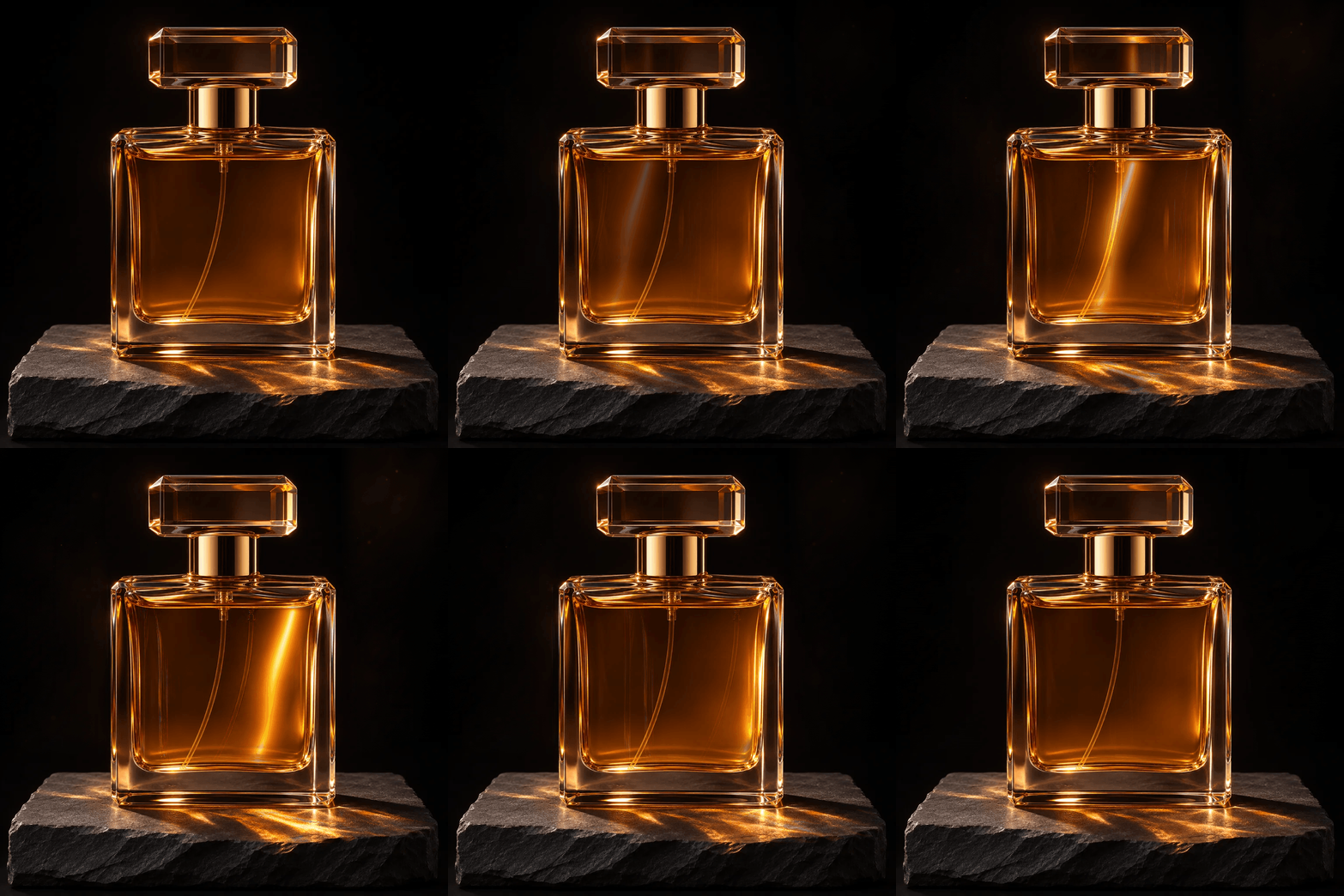
Light Flow
Ideal for jewelry, electronics, cosmetics, and poster key art. Keeps hard product edges completely rigid while sweeping specular reflections, bokeh glow, and ambient highlights across the scene.
Multi-Image Sequencing & Smooth Cross-Fade Transitions
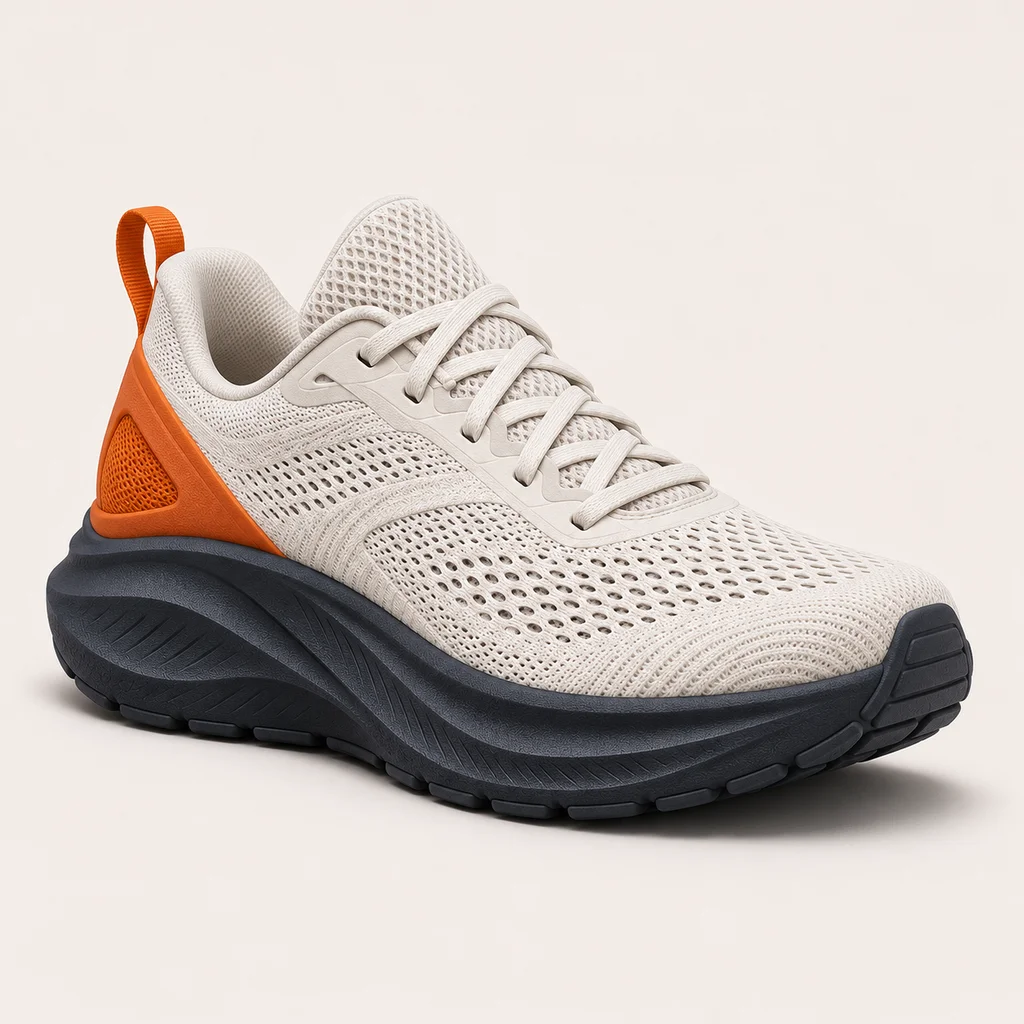
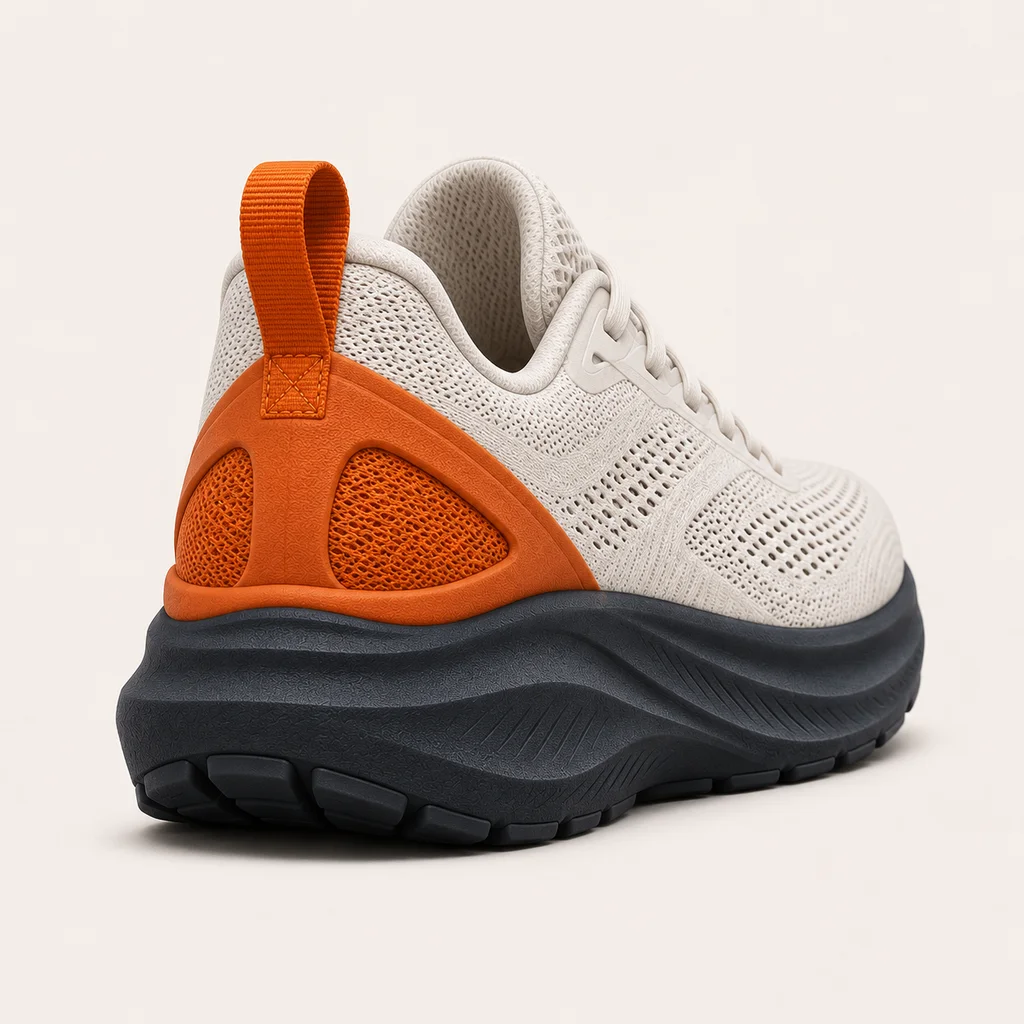
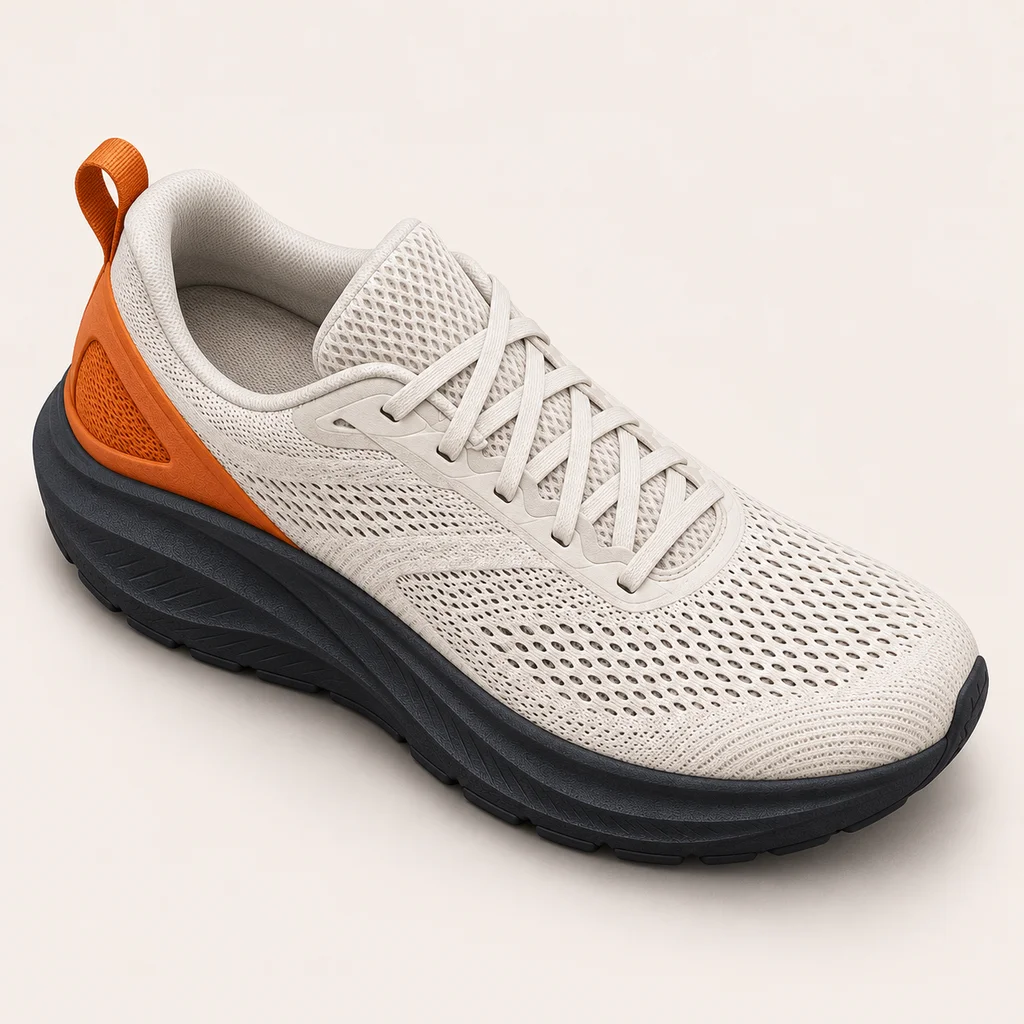
Drop multiple product angles, screenshots, or keyframes into the image to gif maker to build a frame sequence and reorder any shot in one click. Enable Smooth cross-fade for blended showcases, or keep it off for crisp frame cuts in pixel art and UI demos.
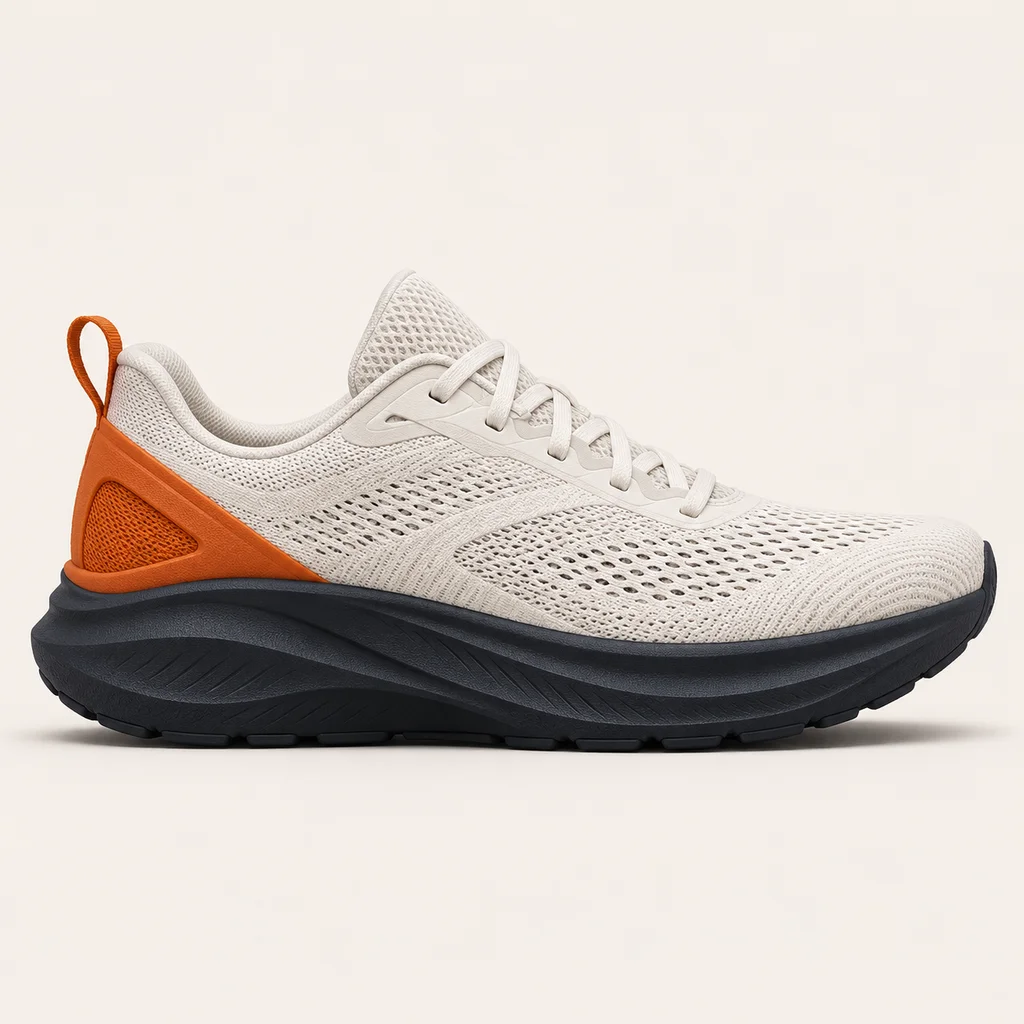 #01
 #02
 #03
 #04GIF ↻
Upload Limits & Free Access
- Accepted FormatsJPG · PNG · WEBP
- Per-Image Limit≤ 15MB · 16 frames
- Free Image to GIFNo signup · No watermark
- Output CapAuto ≤ 5MB
- Optional AI Motion20 cr (≤12f) / 30 cr (13–16f) · 512px
How It Compares to Ezgif & FreeConvert
Ezgif and FreeConvert have operated for over a decade with broad format coverage. This table compares each image to gif free option honestly—our focus is one-page conversion, a 5MB guarantee, and optional AI motion.
| Tool | Format Support | Free Limits | AI Motion | Watermark |
|---|---|---|---|---|
| Image to Image AI (This Page) | JPG, PNG, WEBP → GIF (single or sequence) | Free browser converter, no signup, auto ≤5MB; optional AI uses credits | Built-in 3-mode AI motion | No watermark |
| Ezgif | Very broad (GIF, APNG, AVIF, WebP, MP4; 10+ years mature) | Free with generous caps, but split across separate make/resize/optimize pages | None (frame editor only) | No watermark |
| FreeConvert | 1,500+ document, image, and video conversions | Daily conversion-minute cap and queue throttling on free tier | None (static format converter) | No watermark |
Six Everyday Ways Creators Turn Photos Into GIFs
Whether you are shipping a store listing, updating a profile banner, or sharing a quick product tip, compact looping GIFs communicate faster than static screenshots.
E-Commerce Product Loops
Combine 3–6 product angles or outfit variations into a 480px or 720px loop for store listings, Shopify galleries, and launch emails.
Animated Profile Avatars
Animate a clean headshot or illustrated character with Subtle Breath at 480px for Discord Nitro, forums, and creator bios.
Social Media Posts & Replies
Keep every loop under 5MB so posts auto-play crisply on X, Reddit, WeChat, and community threads without heavy platform re-compression.
UI Micro-Interactions & Docs
Sequence 4–8 interface screenshots with cross-fade off at 8–12 fps to illustrate button states, onboarding flows, and changelog highlights.
Transparent Stickers & Badges
Toggle AI Motion with Transparent background to turn mascots, icons, and product cutouts into crisp floating stickers.
Reaction Memes & Chat Packs
Pick 2–4 candid shots on mobile, set 8 fps infinite loop, and export a snappy reaction GIF ready for group chats.
Image to GIF Frequently Asked Questions
Answers covering photo to gif, JPG/PNG conversion, loop headers, 5MB compression, and mobile browsers.
Related Tools & Guides
Touch up lighting, props, or details on a single frame before assembling your loop.
Restyle any source photo with denoising strength and seed lock in our img2img workbench.
Deep dive into why AI GIF loops break at the seam and how to keep motion clean.
Generate multiple outfit variations from one model photo, then sequence them into a store GIF.
Compare pay-as-you-go credit packs and subscriptions for cloud AI Motion.
Explore the full Image to Image AI browser workbench for photo restyling and editing.