Free Image to Image AI Generator

Image to Image AI is a free online img2img generator that transforms any uploaded photo into a new style, outfit, lighting setup, or 4K upscale in 3–8 seconds while locking facial identity and scene geometry — with no sign-up and no watermark.

Upload Image
Try a sample:
Explore Templates →
0 / 1000
BEFOREBEFORE
AFTERAFTER

Original Sharpness Kept

Preserves faces, clean edges, and natural textures without blurry downscaling.

No Watermark

Download clean PNG, JPG, or WEBP results ready to share or publish.

No Server Retention

Edits stay in your local browser history and clear automatically after 24 hours.

Results in Seconds

Preview fast edits right away, or switch to Pro 2.0 when you need 2K detail.

Published: Last updated:

AI Image to Image: What You Can Do with It

AI image-to-image transformation is a structure-guided workflow that restyles portraits, swaps outfits with our AI clothes changer, outpaints aspect ratios, restores vintage prints, and upscales resolution up to 4096 × 4096 px while helping you keep the face the same from a single reference photo. Click any template below to load its reference pair and prompt into the generator.

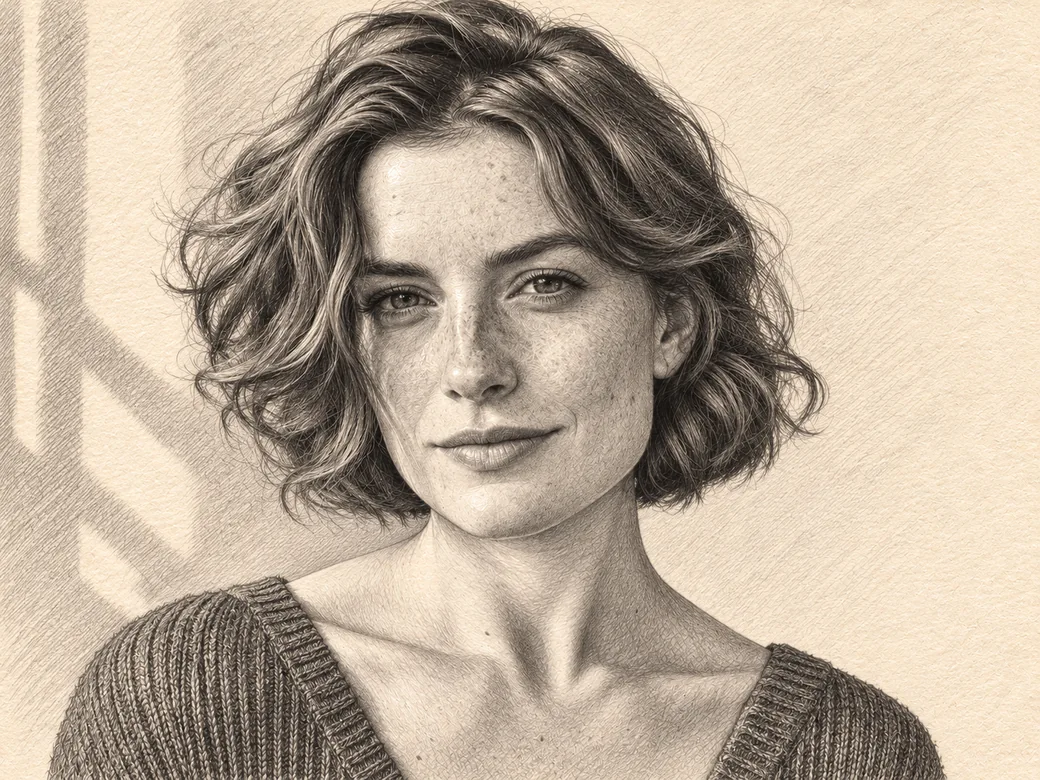
Turn pencil drawings into realistic photos while preserving line structure.

Swap jackets, shirts, or formalwear with image to image AI while keeping fit real.

how to change clothes in a photo

Sharpen soft edges and clarify compressed photos with image to image AI.

How It Works

Image to Image AI works in three steps: upload a reference photo (up to 10MB), choose a preset template or natural-language prompt, and download a watermark-free 1K or 2K image in 3–8 seconds.

01

Upload your image

Image uploading accepts any JPG, PNG, or WEBP photo up to 10MB in Single mode, or up to four reference photos simultaneously in Multi mode.

02

Describe the change

Prompt conditioning lets you tap a preset template card or type plain-English instructions, then select your diffusion model and output aspect ratio.

03

Download in HD

HD export delivers a clean, watermark-free PNG, JPG, or WEBP file after you inspect the Before & After slider or apply follow-up tweaks in Fine Edit.

Built for Accurate Photo Edits

Image to Image AI is a structure-locked photo editing engine that preserves 80%–95% of your original framing, facial landmarks, and subject geometry while modifying only the attributes you specify.

Image to Image AI

Image to image AI is a conditional diffusion process that uses an input photograph as a spatial and color blueprint instead of generating random layouts from noise. By anchoring pose, focal length, and edge structure first, every image to image AI result looks like your original shot — restyled, relit, or sharpened in 3 to 8 seconds.

  • Image to image AI pose & likeness lock
  • Image to image AI Nano, Standard & Pro 2.0
  • 8 image to image AI aspect ratios
AI Image to Image Editing

AI image to image editing is a prompt-driven retouching workflow that replaces manual layer masks with natural-language instructions. Inside our image to image AI editor, you describe the exact change — swap a jacket color, clean up background distractions, or repair an old print — and refine micro-details with image to image AI Fine Edit.

  • Steady faces in image to image AI edits
  • Clean labels with image to image AI
  • Image to image AI Fine Edit follow-ups

Img2Img & Batch

Multi-reference img2img is a composition workflow that blends up to four input photos in a single pass while preserving scene lighting. Recent image to image AI runs stay in your private 24-hour browser history for clean PNG, JPG, or WEBP downloads.

  • Blend 4 refs in image to image AI
  • Image to image AI templates & quick chips
  • Watermark-free image to image AI exports

Peer-Reviewed Diffusion Benchmarks & Citations

Image to Image AI conditioning is built on peer-reviewed computer vision research in stochastic differential equation synthesis, latent cross-attention, and spatial edge locking.

“Iteratively denoising through a stochastic differential equation bridge enables faithful stroke- and structure-guided synthesis without task-specific training, outperforming GAN inversions by up to 48% on realism benchmarks.”

Before & After

Before-and-after image to image AI comparisons are side-by-side visual benchmarks showing how guided diffusion preserves 100% of subject posture while upgrading lighting, clothing, artistic medium, or resolution. Click any case to test it in the studio.

Upscale & Relight

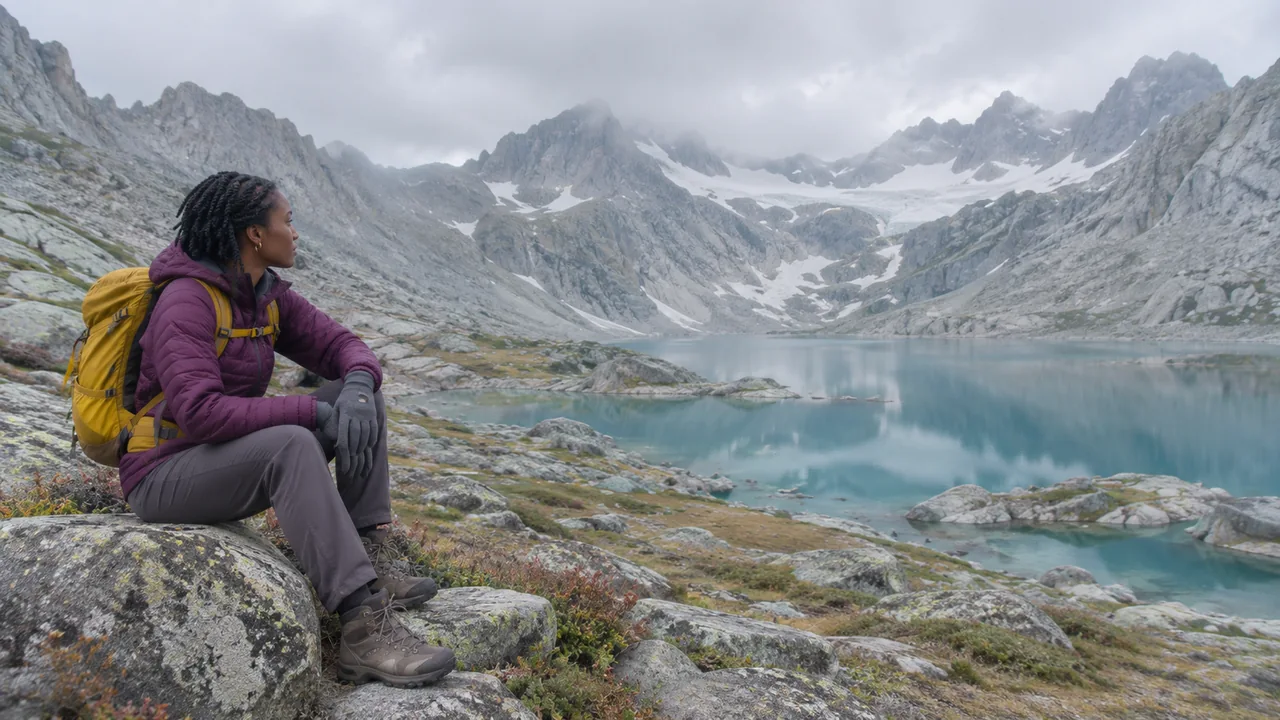
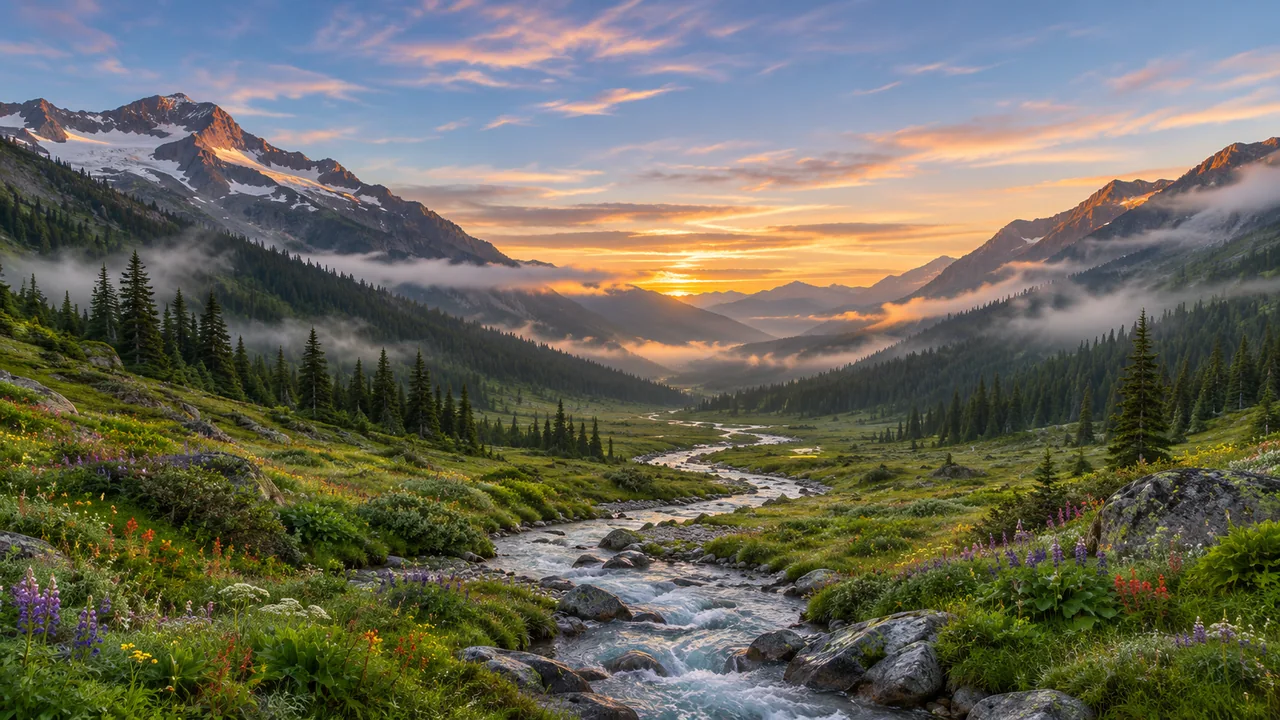
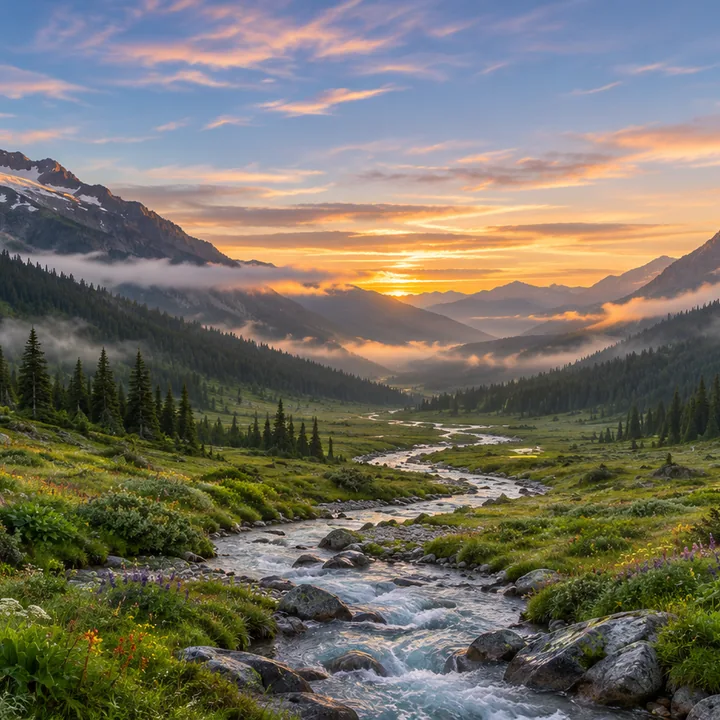
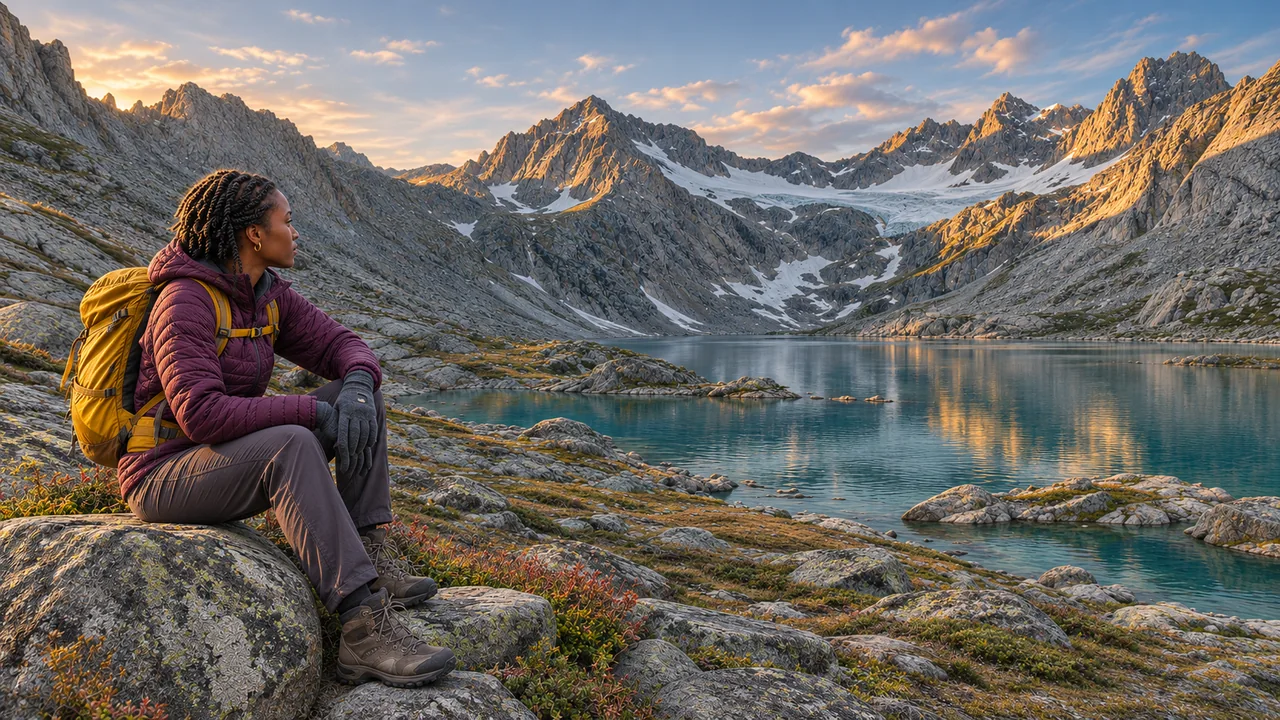
Recover crisp mountain fabric and rock detail with image to image AI while upgrading flat overcast light to warm golden hour clarity.

Open AI Image Upscaler
Upscale & Relight beforeBEFORE
Upscale & Relight afterAFTER
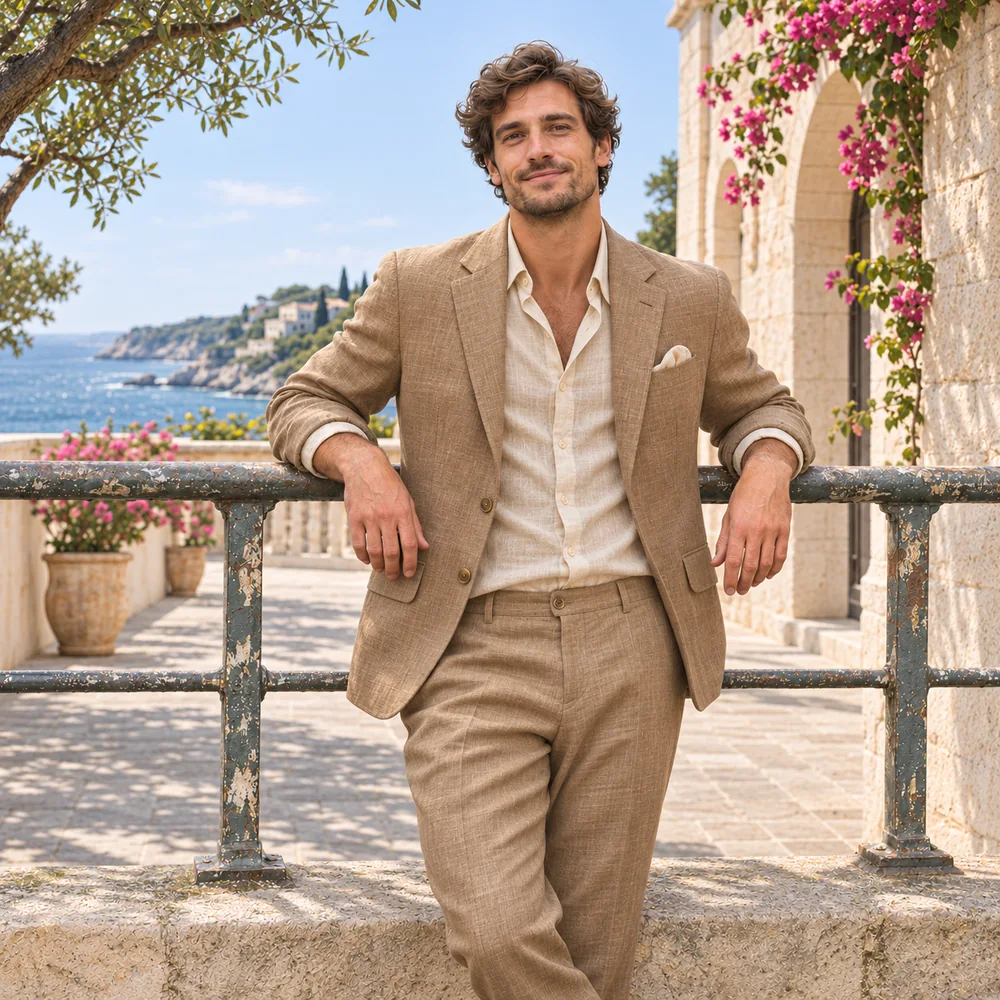
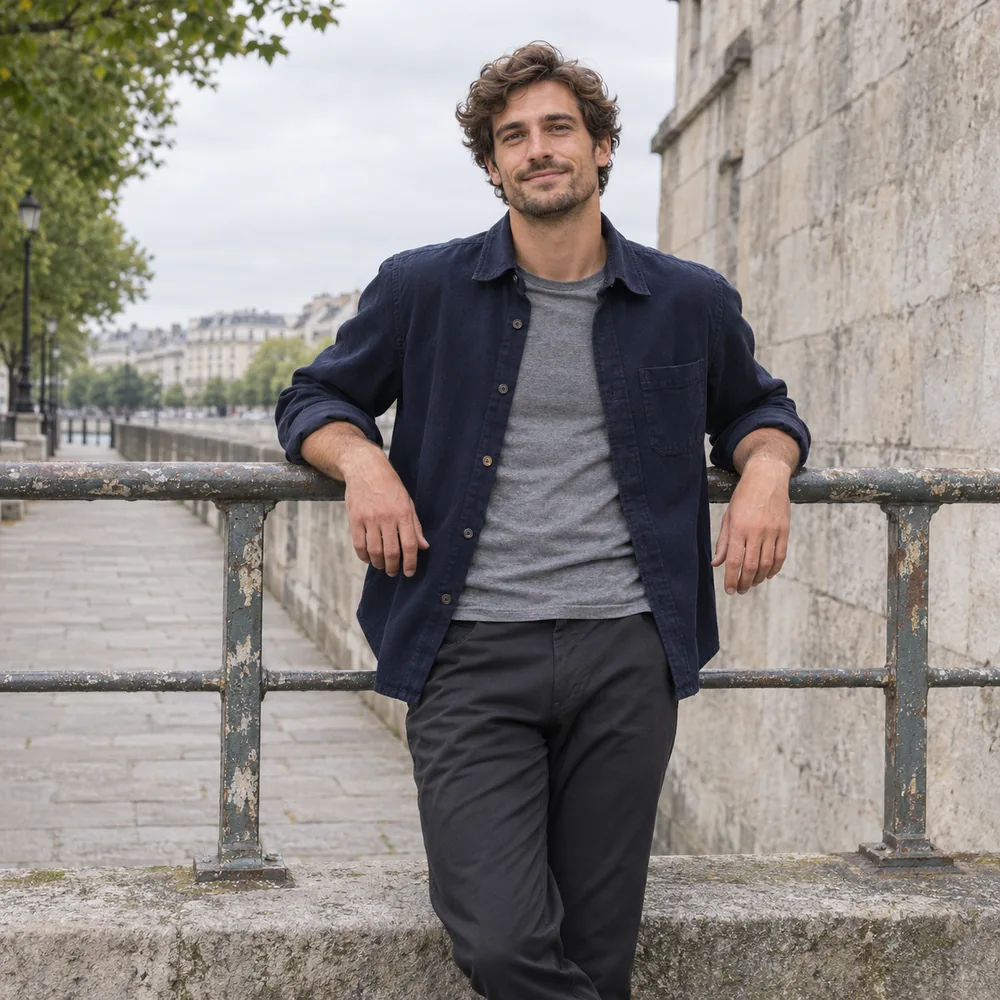
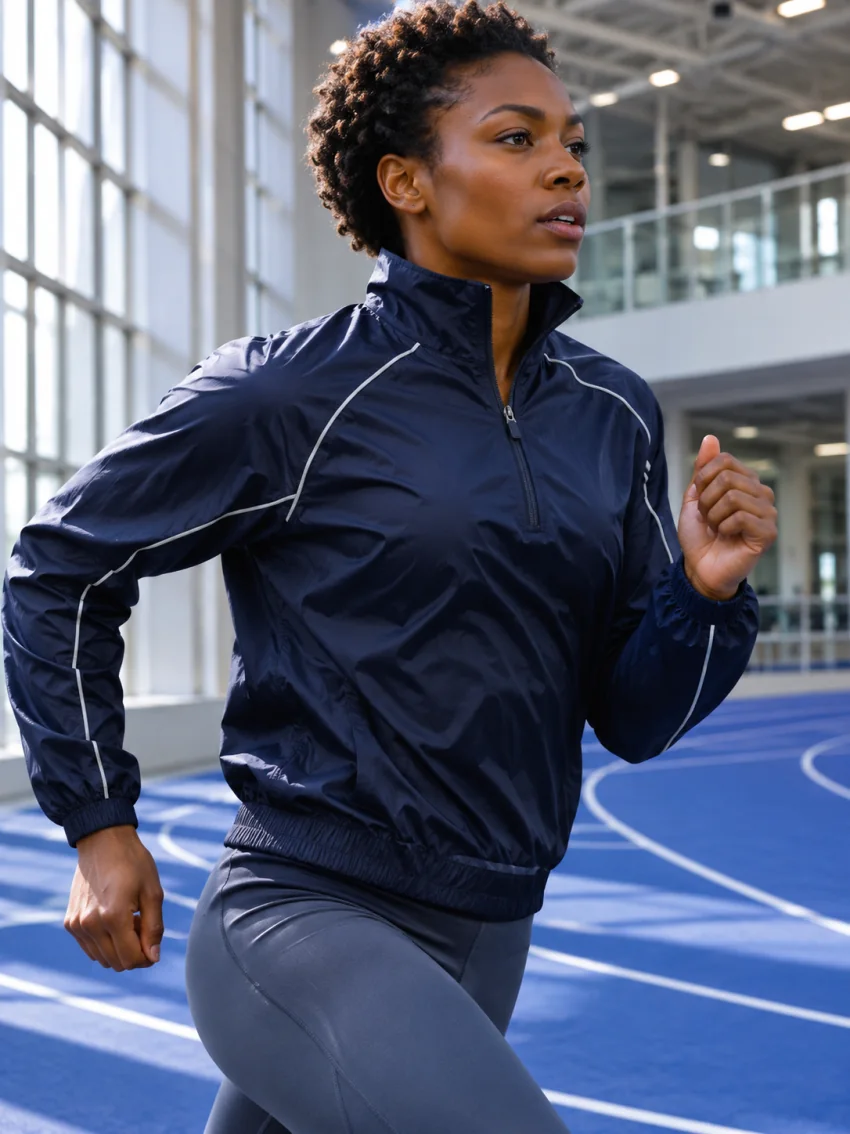
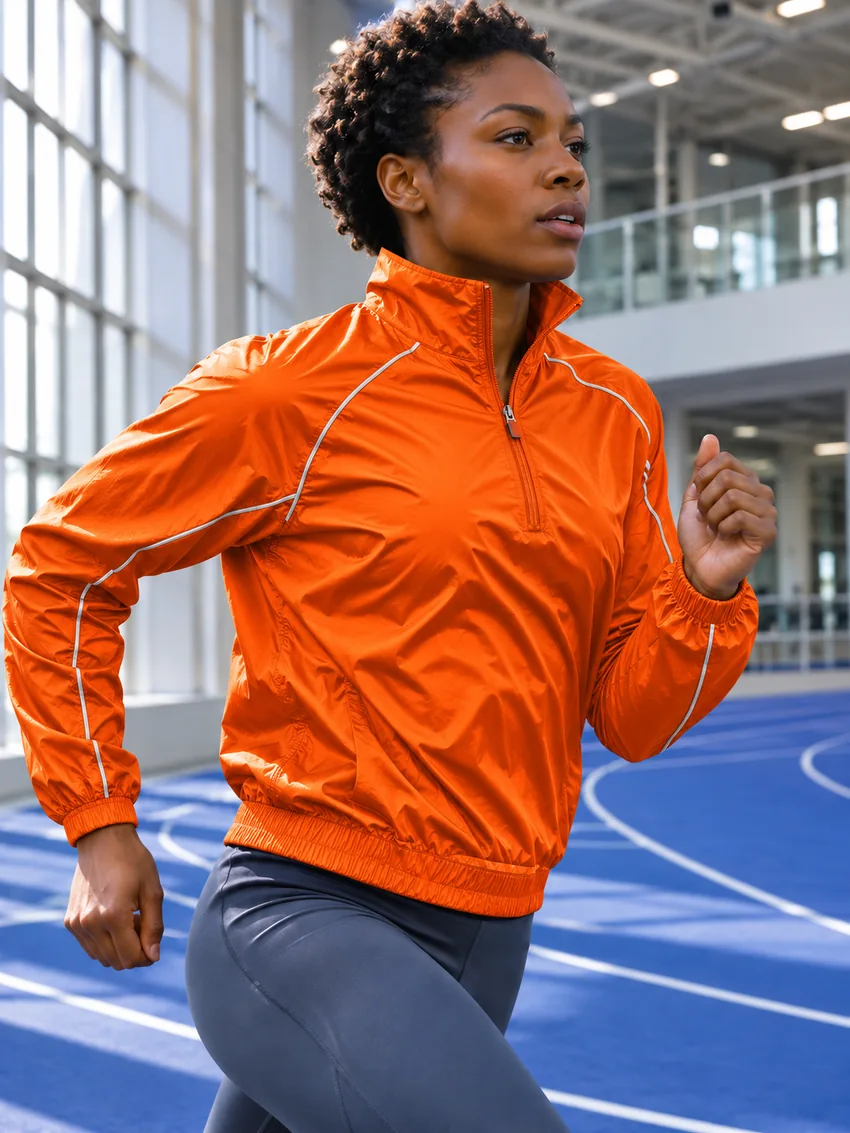
Clothes Changer after
Clothes Changer before
BEFOREAFTER

Clothes Changer

Swap everyday streetwear for tailored linen or outdoor gear with image to image AI while keeping body proportions and face natural.

Try AI Clothes Changer
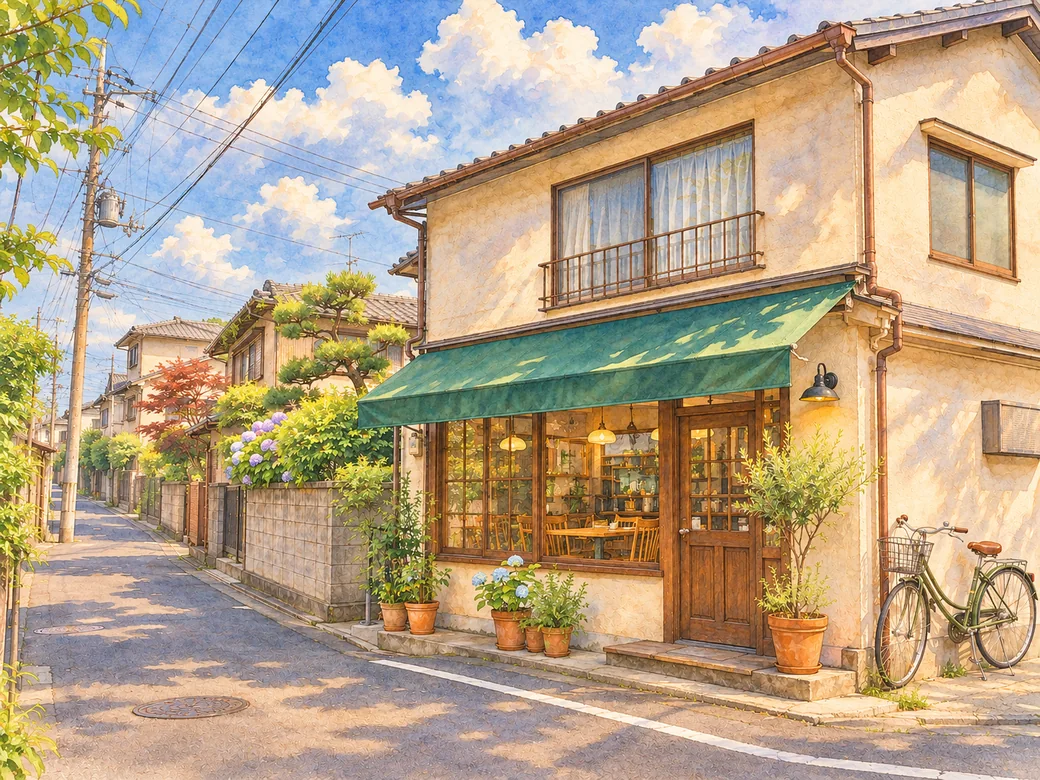
Style Transfer after
Style Transfer before
BEFOREAFTER

Style Transfer

Repaint city streets and snapshots into hand-painted illustrations with image to image AI while keeping perspective lines intact.

Img2Img Style Studio
Pixel Art after
Pixel Art before
BEFOREAFTER

Pixel Art

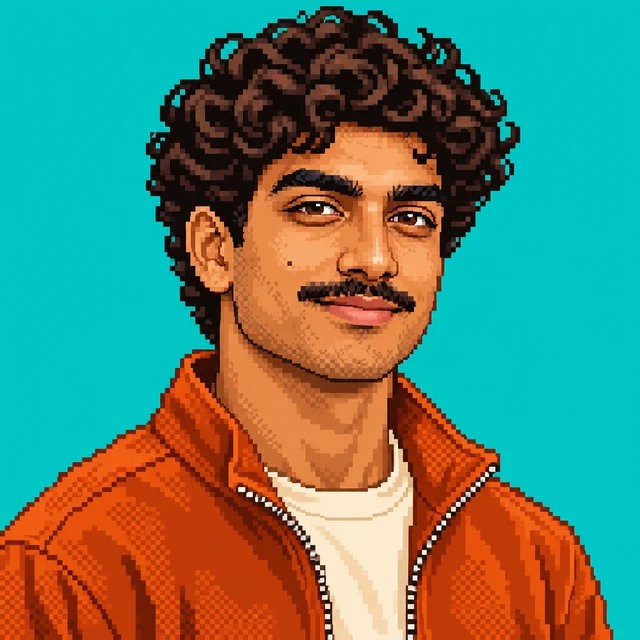
Turn portraits or action shots into 16-bit console sprites with image to image AI dithering and crisp silhouettes.

Extend after
Extend before
BEFOREAFTER

Extend

Outpaint tight square or vertical frames into wide 16:9 banners with image to image AI horizon geometry and lighting.

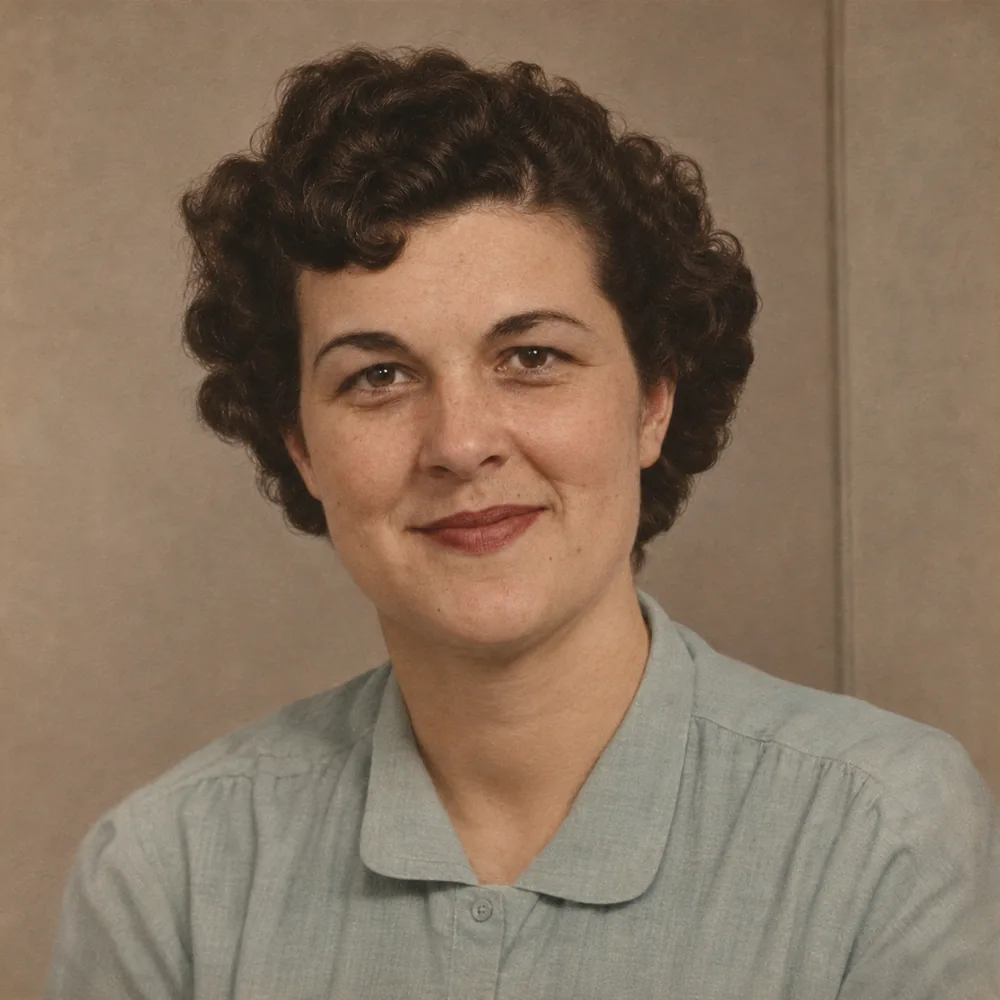
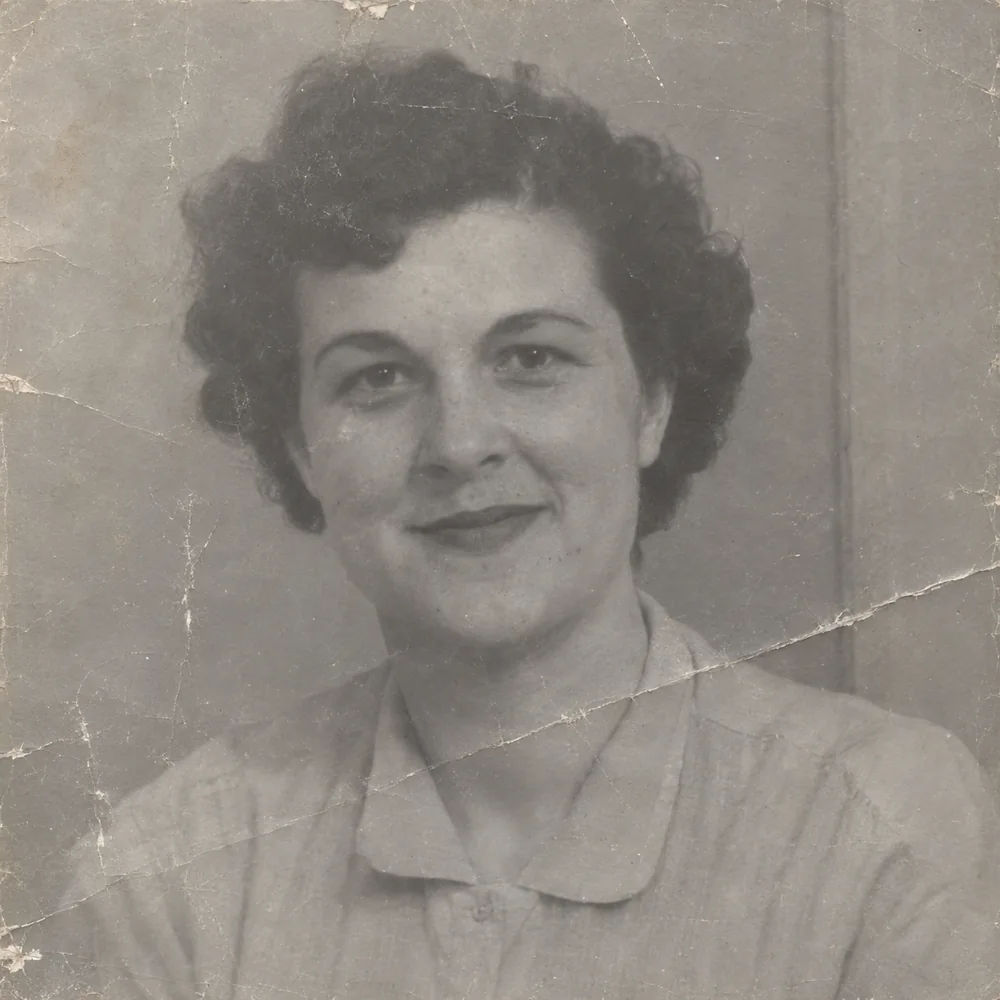
Old Photo Restore after
Old Photo Restore before
BEFOREAFTER

Old Photo Restore

Remove paper creases, dust specks, and faded contrast with image to image AI while restoring natural archival color — then upscale old photos to 4k for crisp prints.

FAQ

Frequently asked questions about Image to Image AI cover how structure-guided diffusion works, free daily quotas, supported 10MB file formats (JPG, PNG, WEBP), 24-hour privacy retention, and commercial licensing.